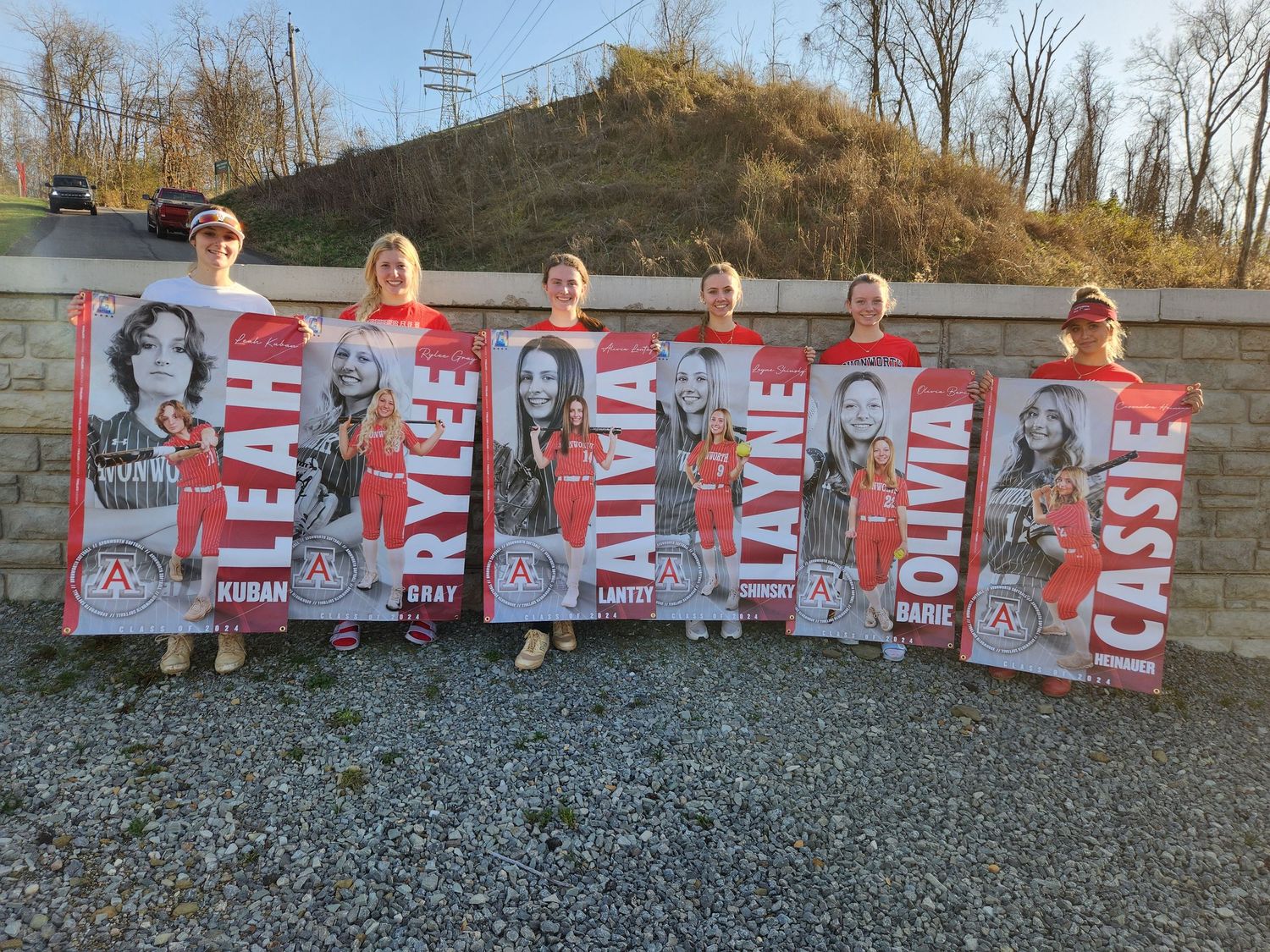
It's Time to Select your Senior Banner Images!
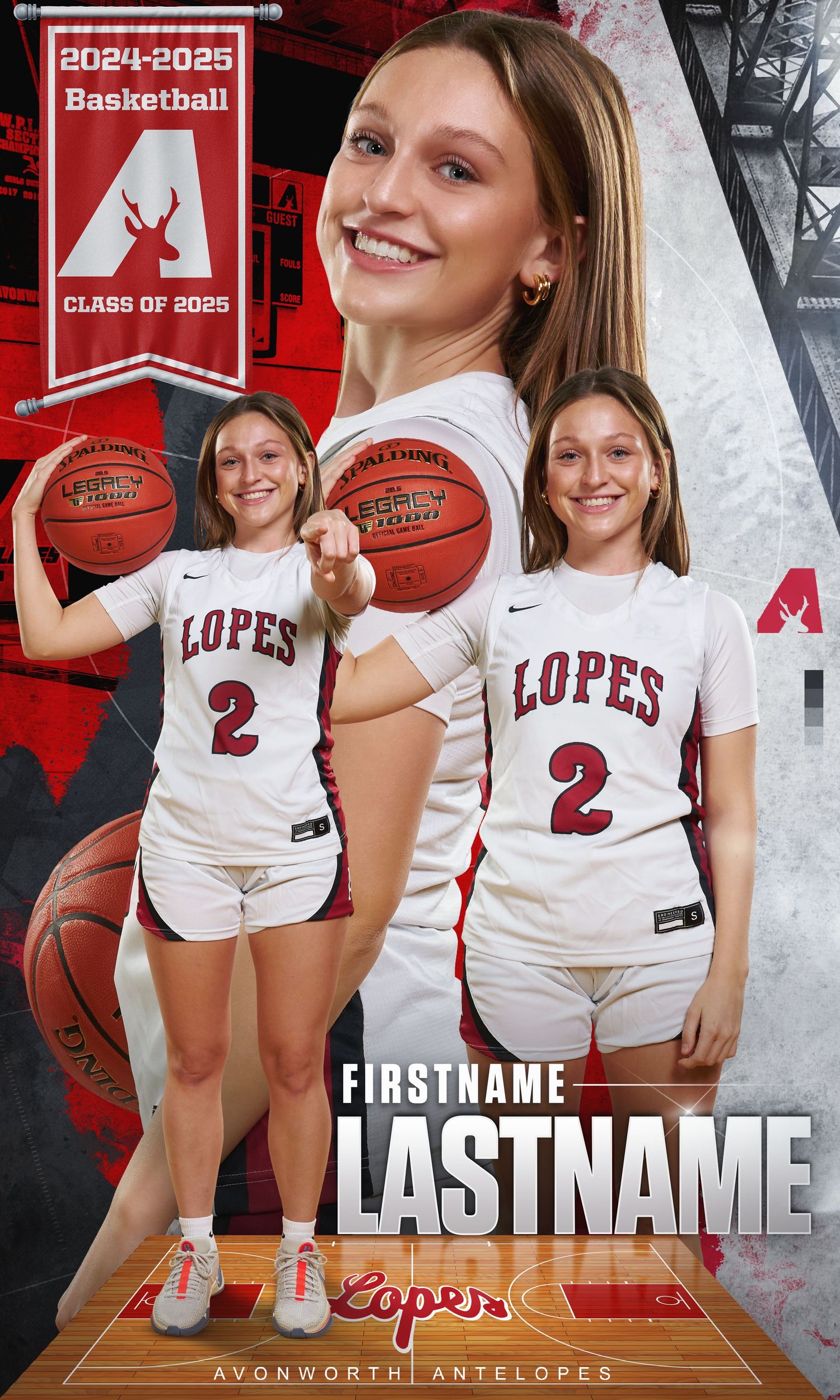
Please specify the location of each photo within your favorite list. For example: Full body foreground image and close up background image.
How to Select your images?


After select your favorite image, please edit your list and name the list with your first and last name. Please leave addition comments on your top 2 pictures to indicate the location of your selections.

Select Now

Interested in More Photos?

Create a separate favorites list to help us prepare exactly what you'd like!

  1. Browse through the gallery and "favorite" the photos you're interested in.
  2. Make sure your favorites are saved in a dedicated list.

This ensures we know what to include in your order accurately and efficiently. Thank you for helping us make the process smooth!

Interested in More Photos?

Create a separate favorites list to help us prepare exactly what you'd like!

  1. Browse through the gallery and "favorite" the photos you're interested in.
  2. Make sure your favorites are saved in a dedicated list.

This ensures we know what to include in your order accurately and efficiently. Thank you for helping us make the process smooth!

Where do I see the additional senior images?


Text the access code AHSHoops25 to 90738 to receive access and ongoing alerts* or visit https://my.photoday.com/g/AHSHoops25 on your phone or computer. We will create new background options, black and white portraits and other graphics for people that opt in.